

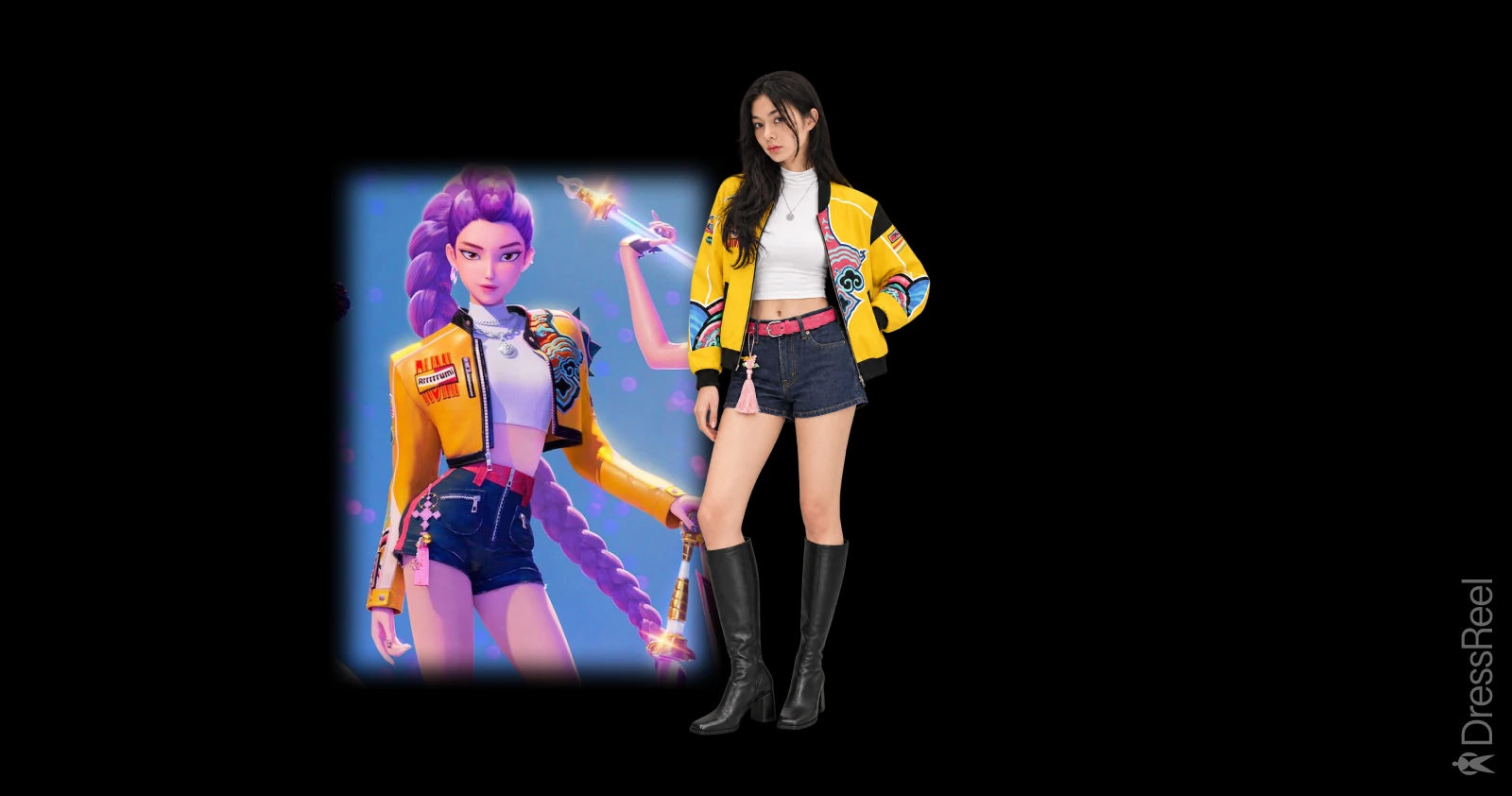
Try on clothes online before you buy
Found something you like? Paste the product link and see how it looks on you as you move, right in your browser.
 Add to Chrome
How to try on clothes online
- Your piece can come from a link, or from a clothing photo you upload.
- You choose your pieces and open the camera, then press Start when you’re ready.
- You can save the combination and download or share the try-on.
confirm ICP alignment
Deal stalls - sales input
Q3 messaging rollout, are teams ready??
ICP Alignment Confirmation
• Agreed to narrow Q3 focus to mid-market finance and ops buyers
– SMB deprioritised for the quarter
– Paid campaigns paused until ICP doc is confirmed
Deal Stalls: Sales Input
• Jack flagged deals stalling at business case stage
– Marketing to build a business case template
– CS to share proof points from successful onboardings
• Follow-up scheduled for Tuesday
Q3 Messaging Rollout
• Sales and CS do not yet feel briefed on new messaging
– Lunch and learn session agreed
Next Steps
• Tanya: Update ICP doc and pause paid campaigns
• Rob: Scope business case template by Tuesday
• Jack: Collate CS proof points by Tuesday
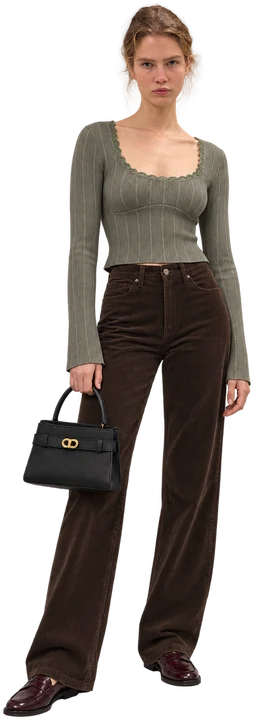
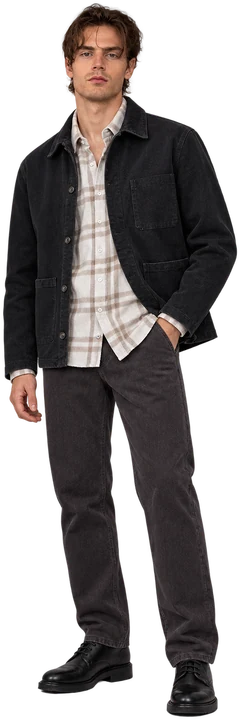
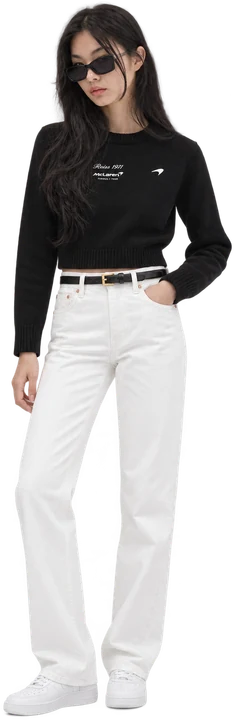
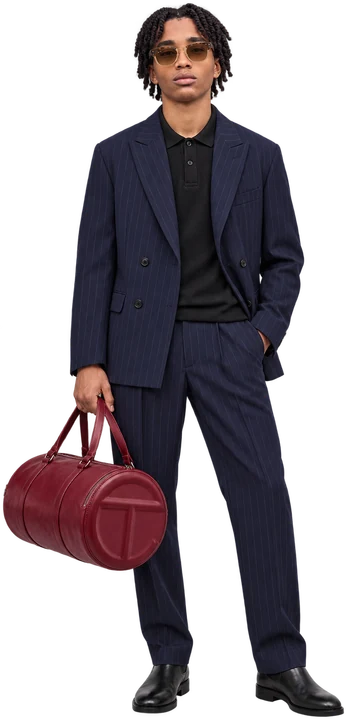
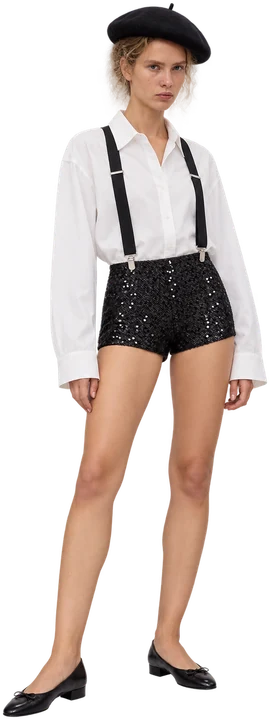
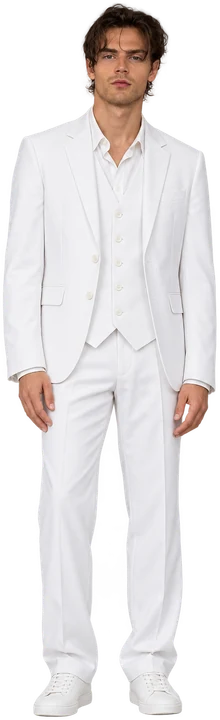
A few outfit ideas to get you started

A few looks from the collection we’re working on.
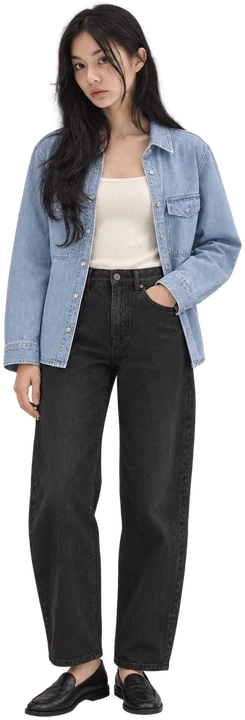
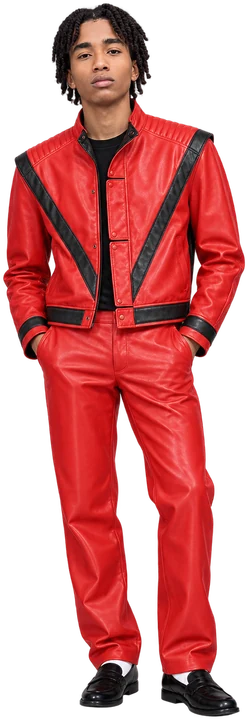
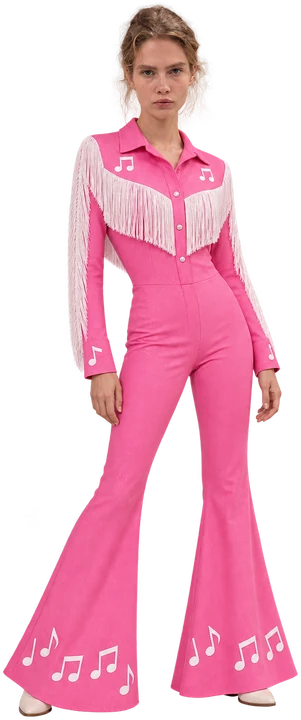


AI virtual try-on for clothes
Try on clothes live, or use a photo
The clothes move when you do
Live uses AI for real-time virtual try-on, with clothes that respond as you move. You might give your own shirt a tug just to see what happens.
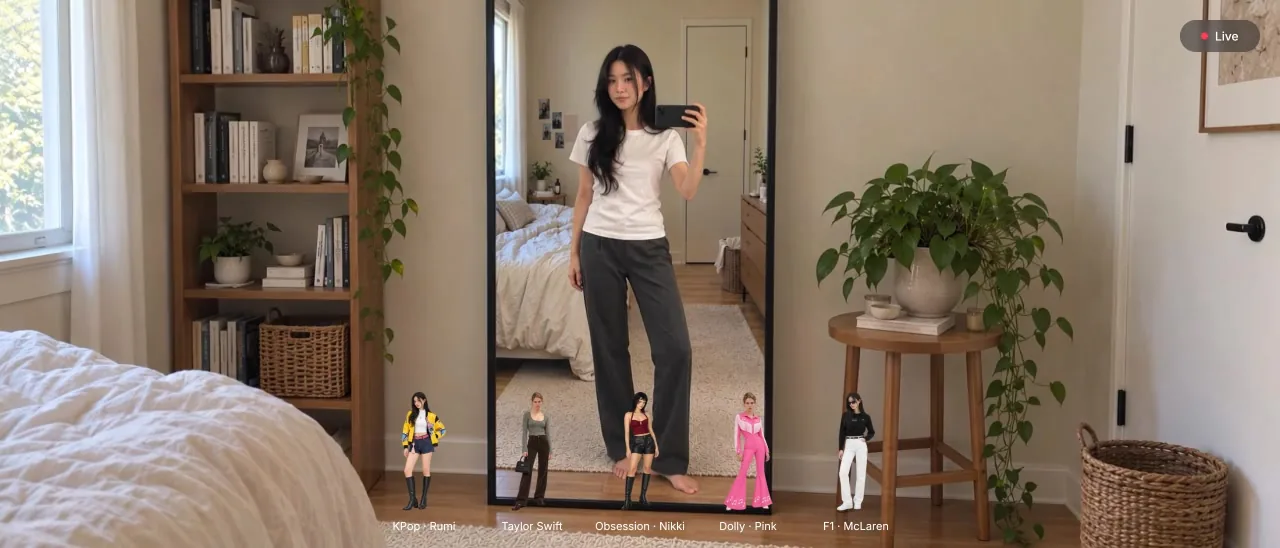
The extension keeps try-on beside the shop
Pick a clothing photo from the page you’re browsing and try it on in the DressReel sidebar.
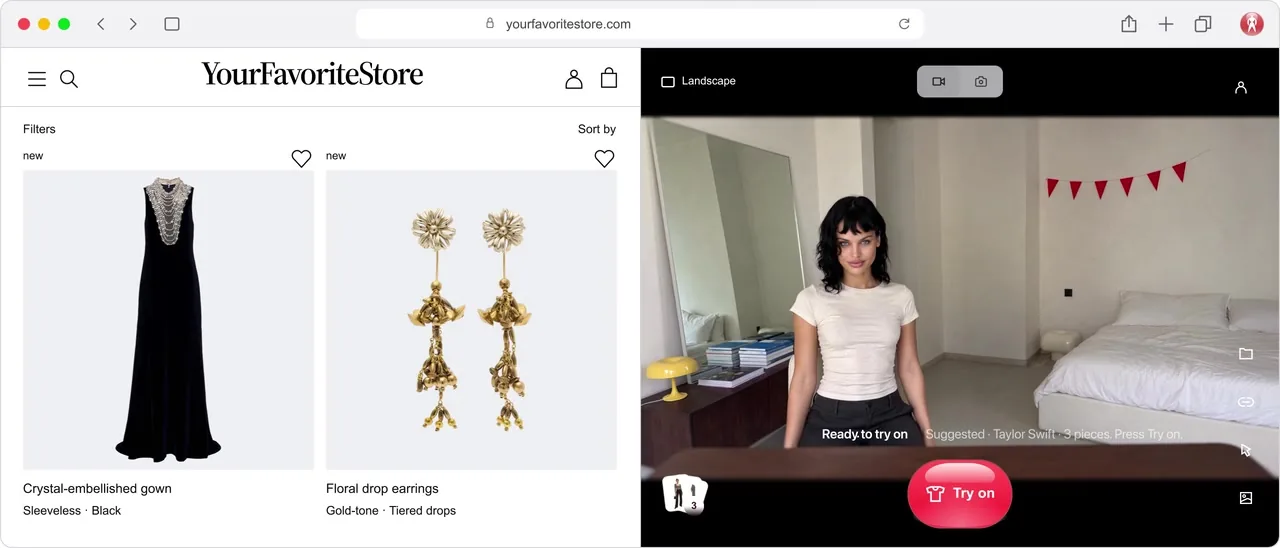
A photo works too, if you’d rather
Photo shows the outfit on a still image of you, using the same pieces as Live. Your picture can be uploaded or taken with your camera.
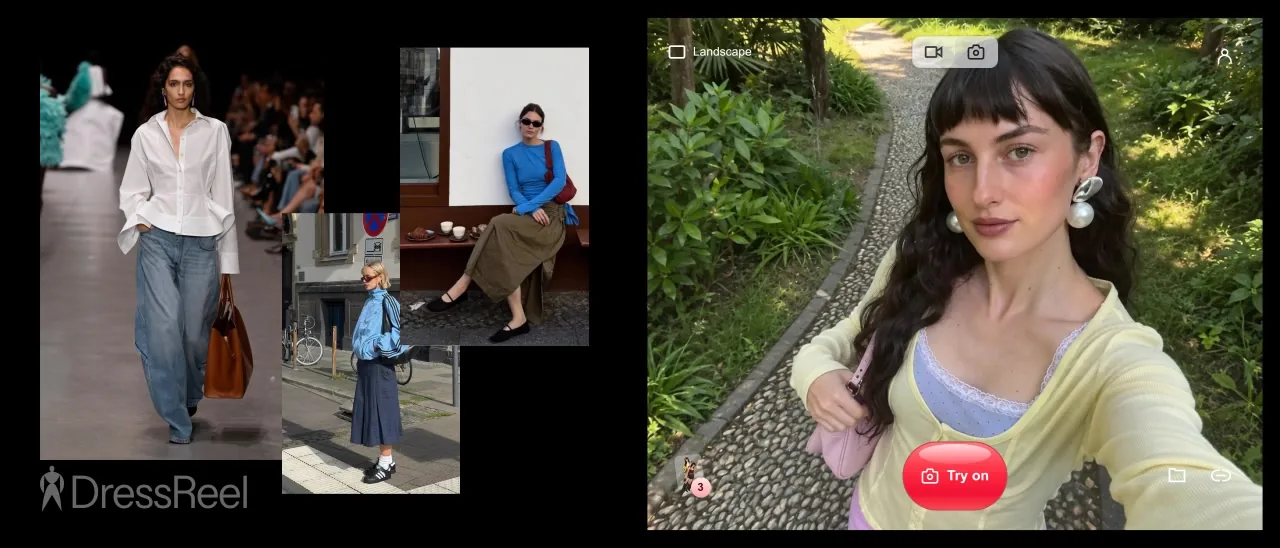
Your next look might already be in your tabs
You can start with a product link or choose a look in Explore, then see it on yourself in Live. The combinations you like can be saved for another day.